One device.
Instant signing.
Fast Vault pairs your device with a secure Vultiserver as an automatic second signer. You get the speed of a single-signature wallet, with the protection of a threshold signature scheme.
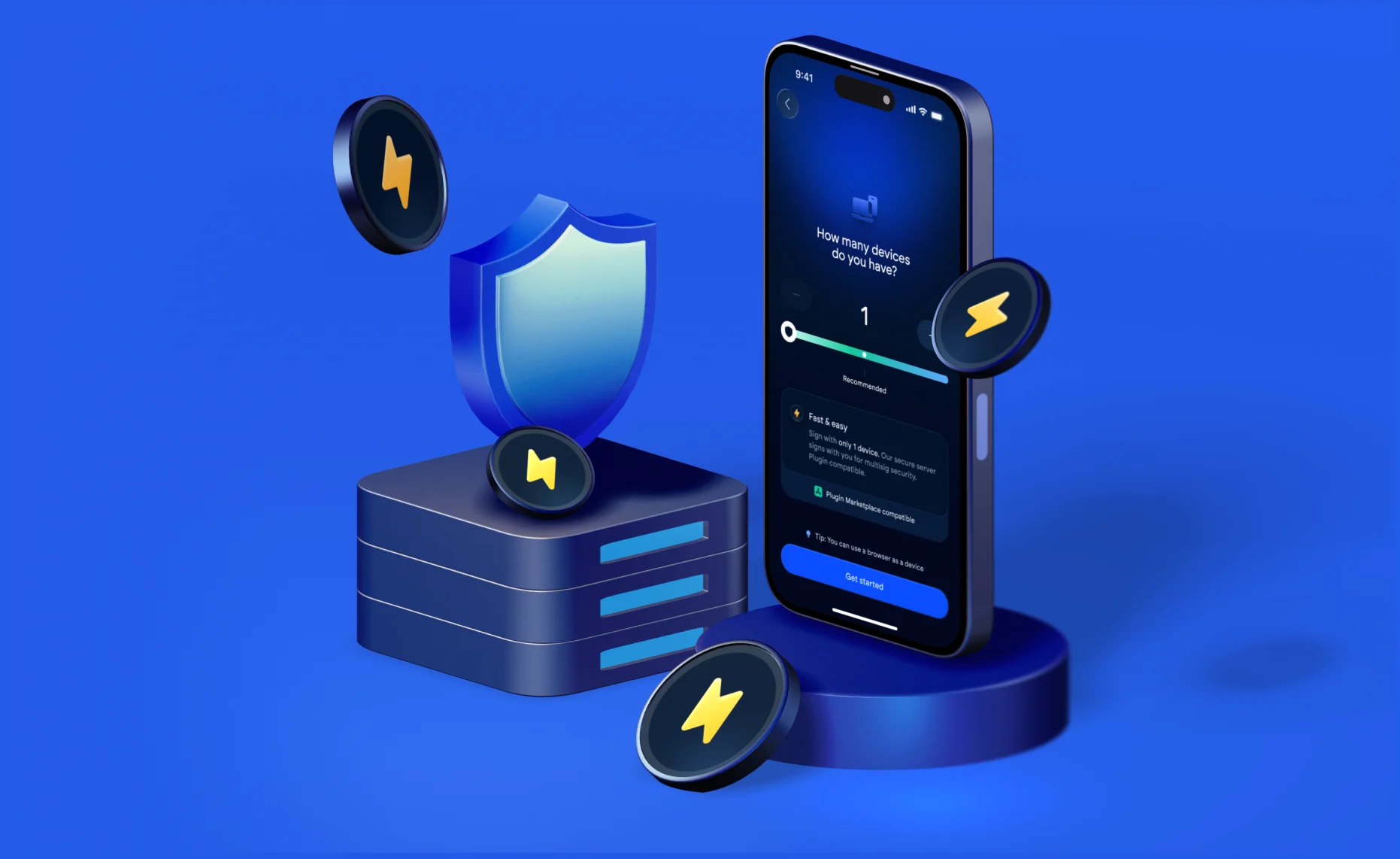
Two shares, one signature.
Fast Vault is a genuine 2-of-2 threshold setup.

Pair your device
Your phone or laptop generates one vault share on setup. No seed phrase is ever created.

Vultiserver co-signs
A second share lives on Vultiserver, an automated co-signer. It can only participate, never initiate.

Sign in one tap
Approve on your device, Vultiserver adds its signature automatically. Two shares, one signature.
Live in under two minutes.
From download to your first signed transaction.
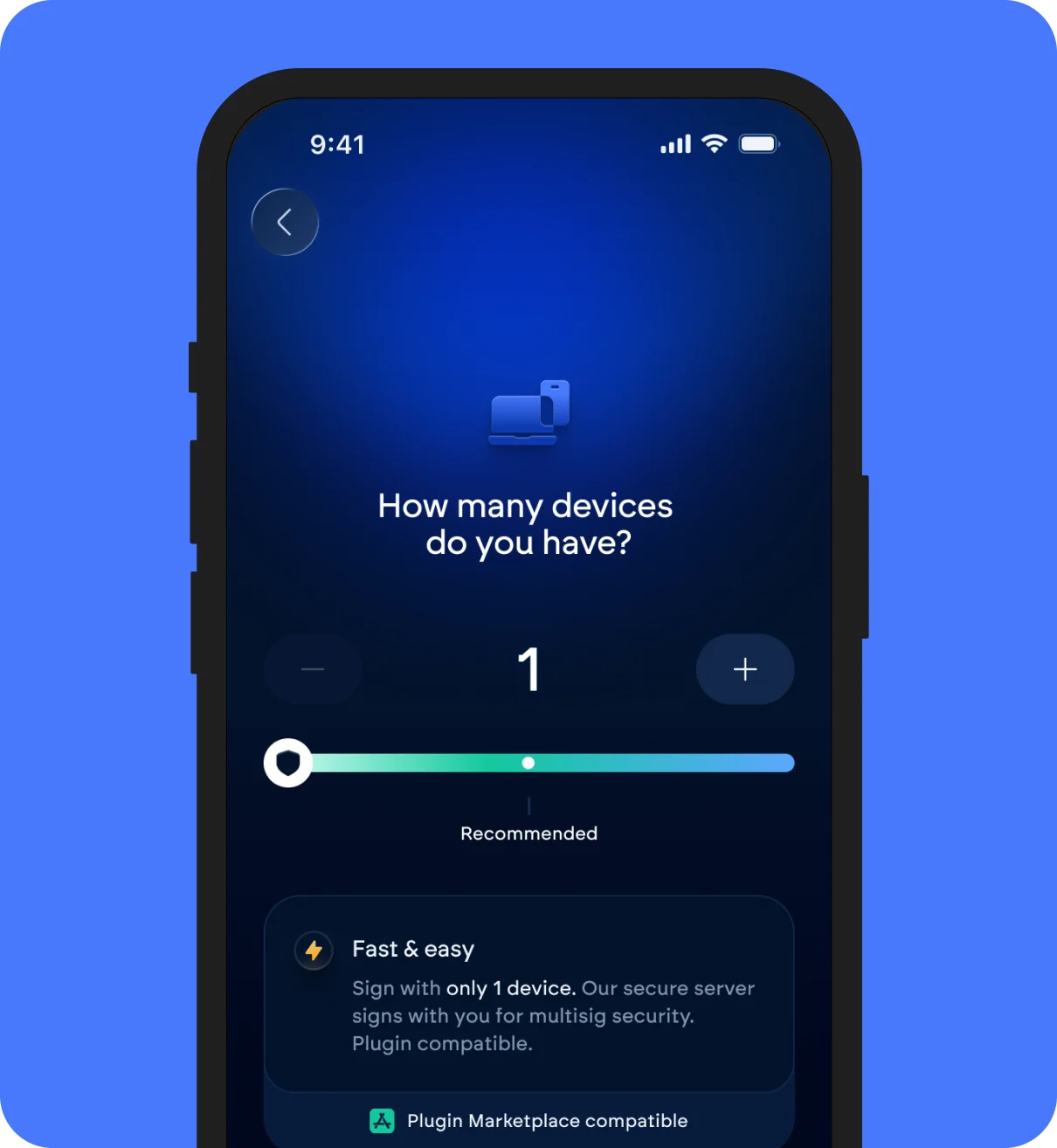
Download Vultisig & choose Fast Vault
Available on iOS, Android, macOS, Windows, Linux, and as a browser extension.
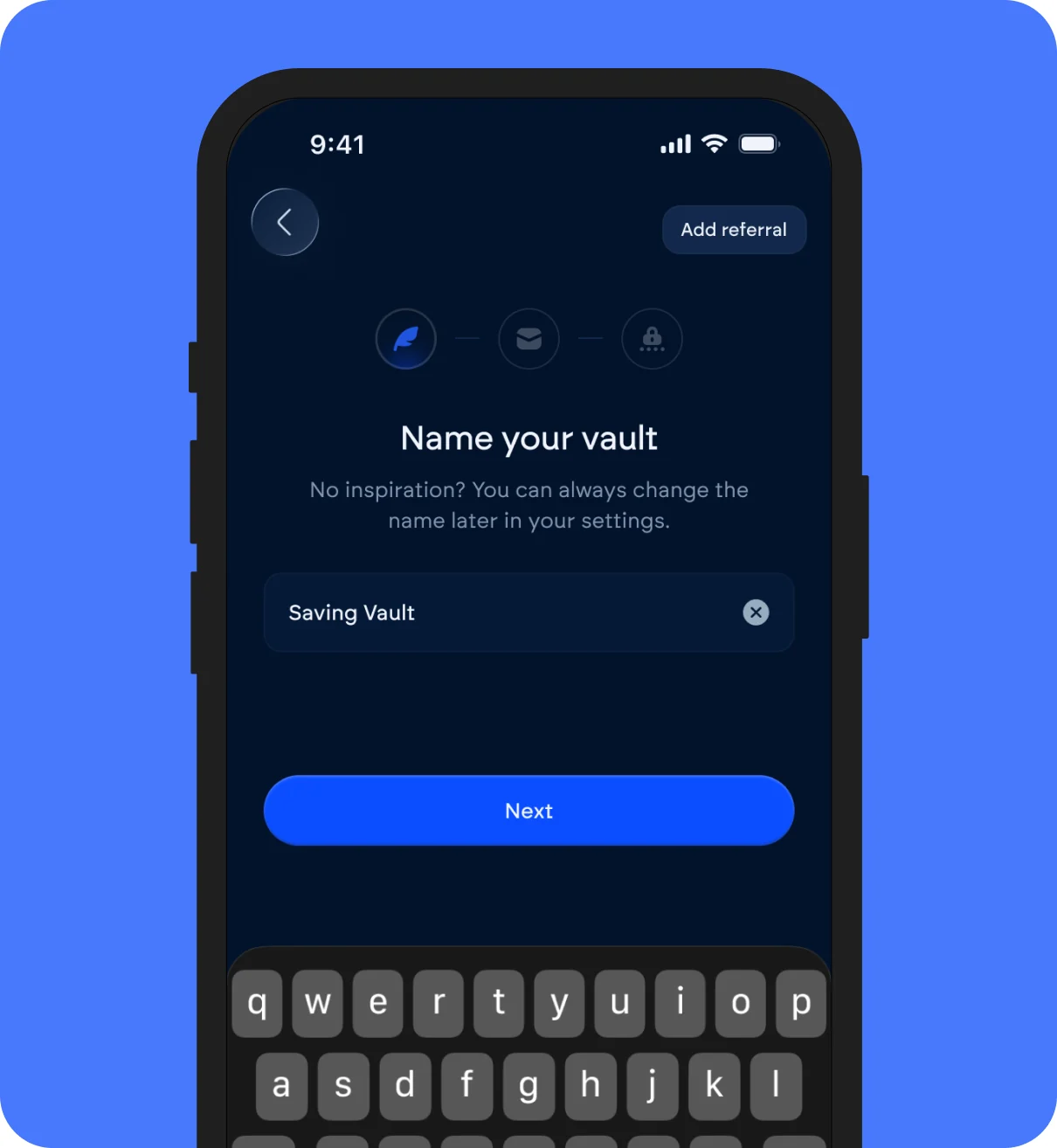
Name your vault & enter your email
Your email is used once, to send your server share backup. Vultisig doesn't retain it.
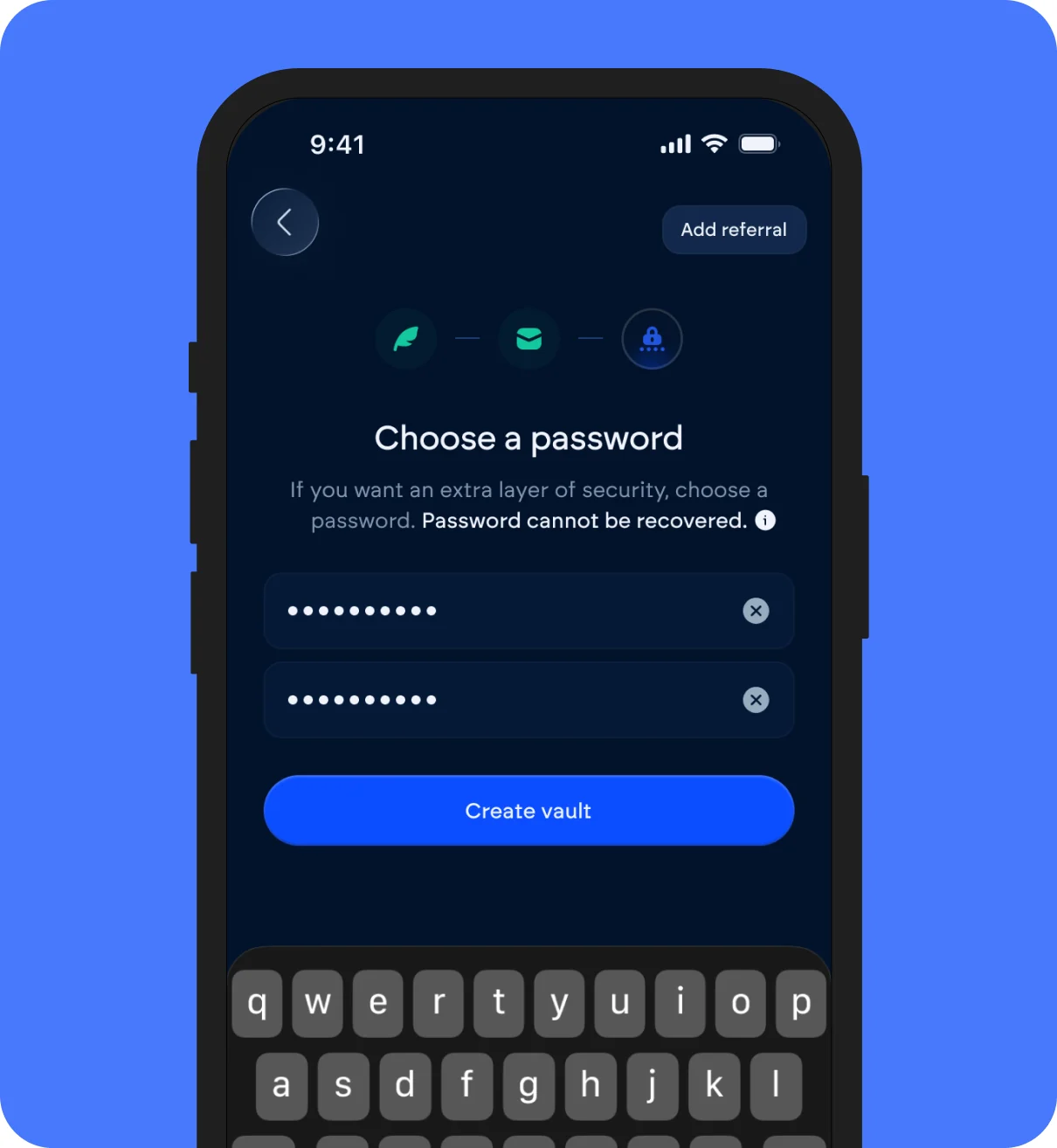
Set a password
This encrypts your server share backup.
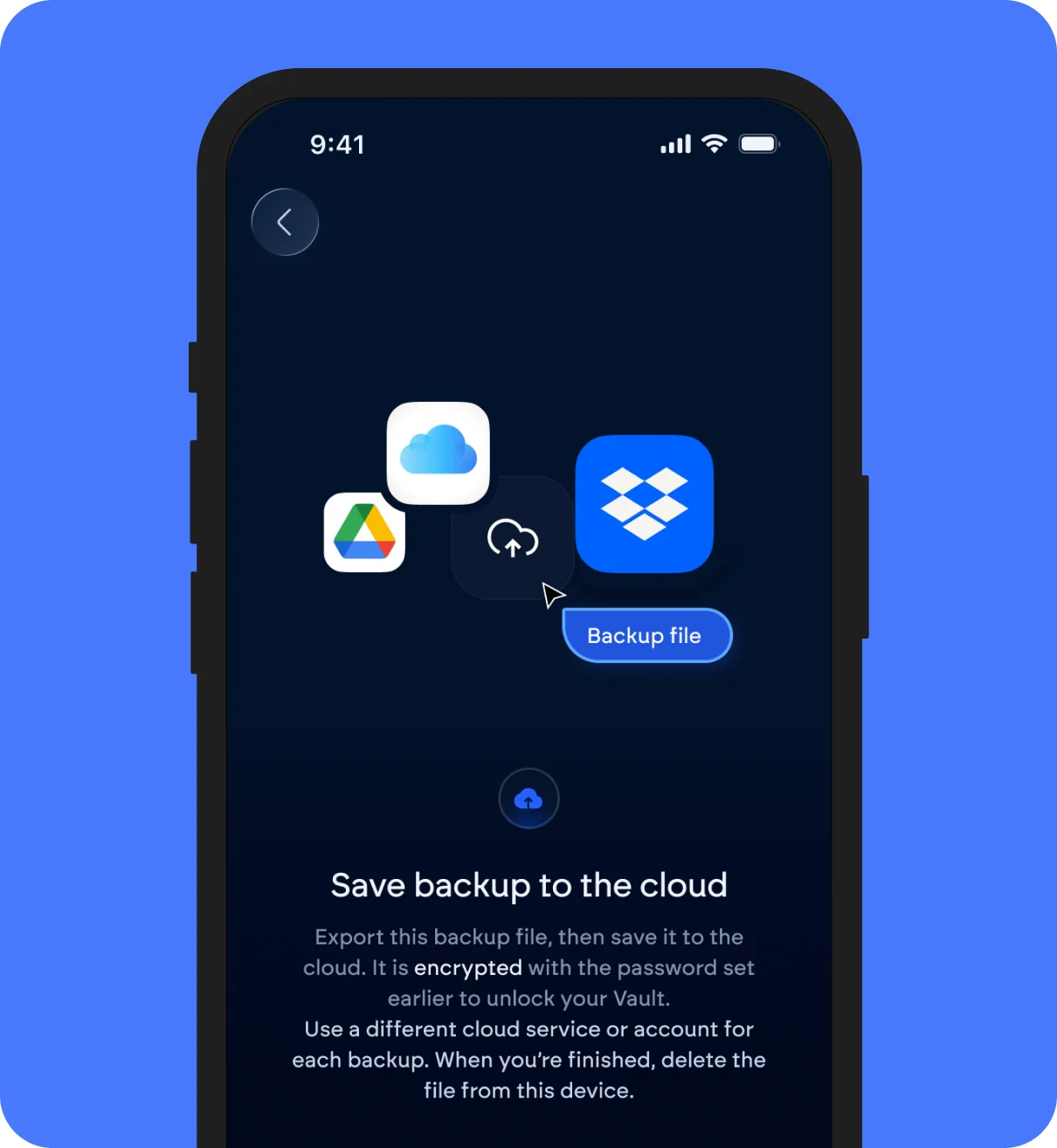
Confirm and back up your device share
Enter the verification code sent to your email, then store your device share somewhere other than the device itself.
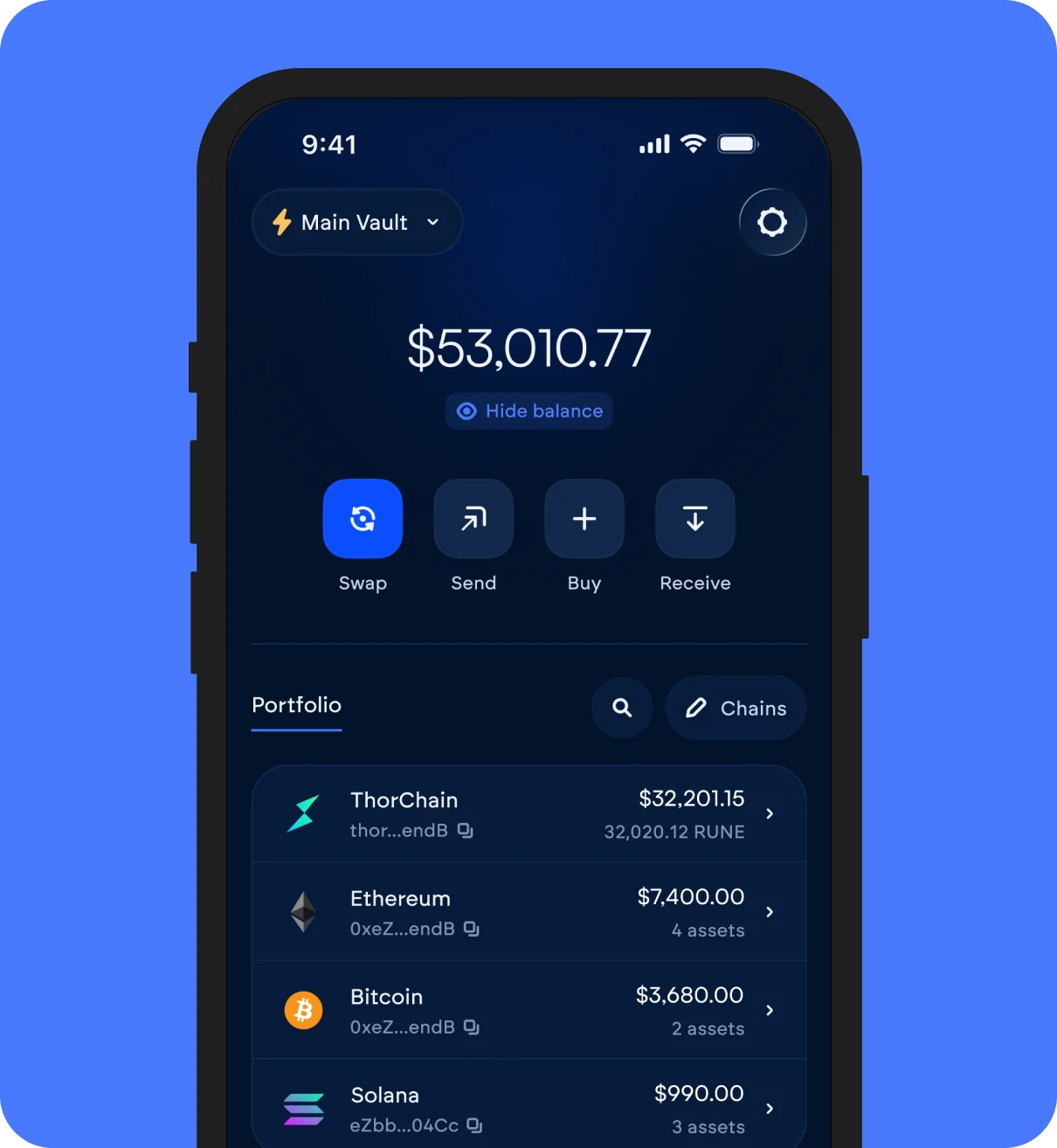
Start sending
One tap on your device, one automatic co-sign from Vultiserver.
Fast Vault is still a threshold signature scheme.
Vultiserver holds one of two shares and has no ability to act on its own.

Vultiserver gets compromised
It holds only one of two shares and can never initiate a transaction alone. An attacker would still need your device's share.

Your device is lost or stolen
You store and hold both backups, import your device backup into a new device if your old one is lost or stolen. Recovered in minutes.

Vultiserver goes offline
You are in full control. Import the Server backup into a second device and use it as a normal Secure Vault.
Fast Vault VS. Secure Vault
| Feature |  Fast Vault Fast Vault |  Secure Vault Secure Vault |
|---|---|---|
| Devices required | 1 device + Vultiserver | 2+ devices |
| Signing | One tap, automatic co-sign | Requires multiple devices to sign |
| Best for | Daily spending, smaller amounts | Long-term holdings, larger amounts |
| Setup | Email + password | Physical devices only |
Both are keyless. Neither requires a seed phrase.
See Secure Vault